Early access is live. Full version planned for November 2026.Details
FireClient screenshots
Screenshots of the launcher and the in-game client from an early-access build (October 2026). Personal details are blurred, and labels may change between releases. Ready to try it? Download FireClient.
In game
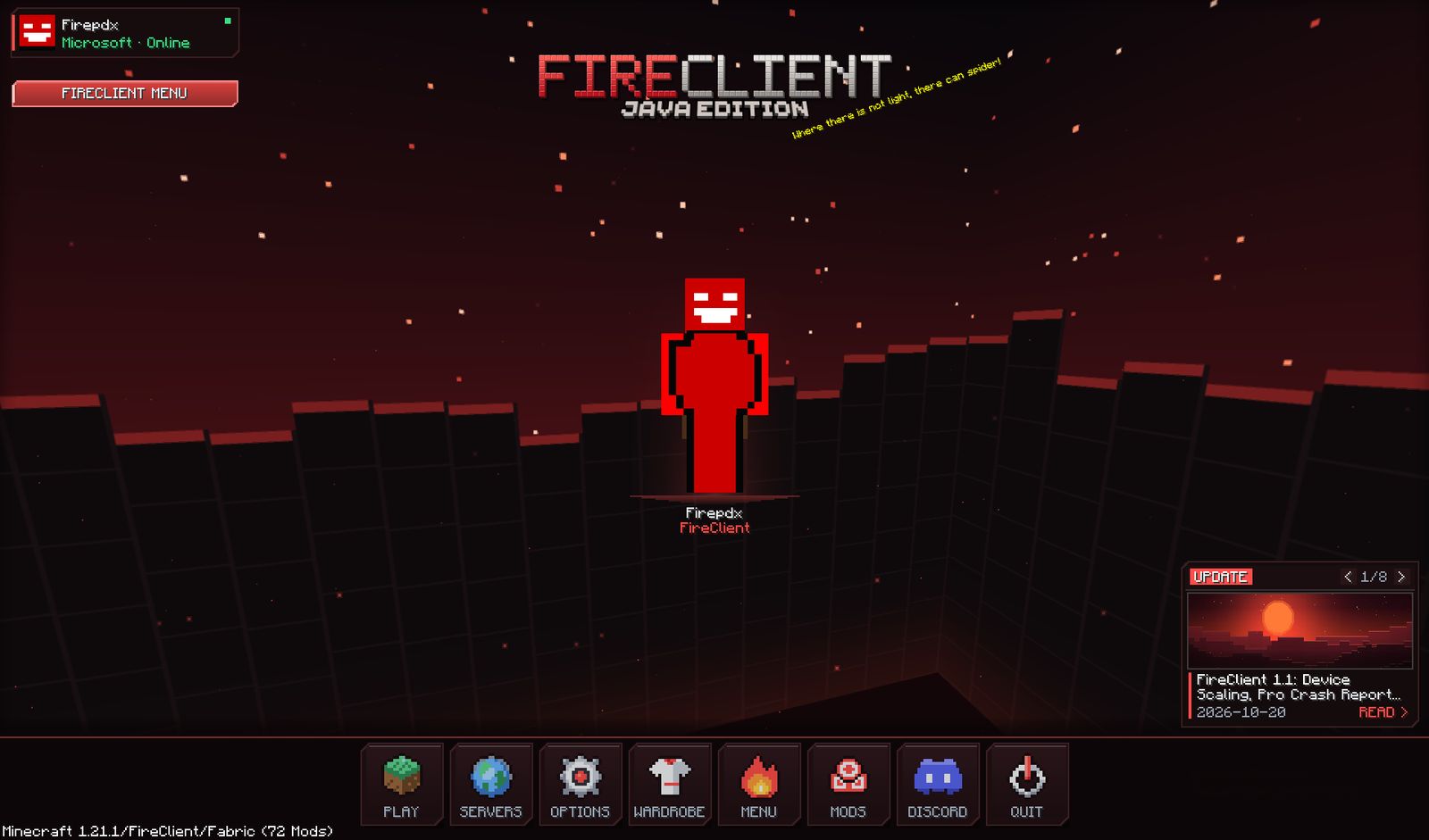
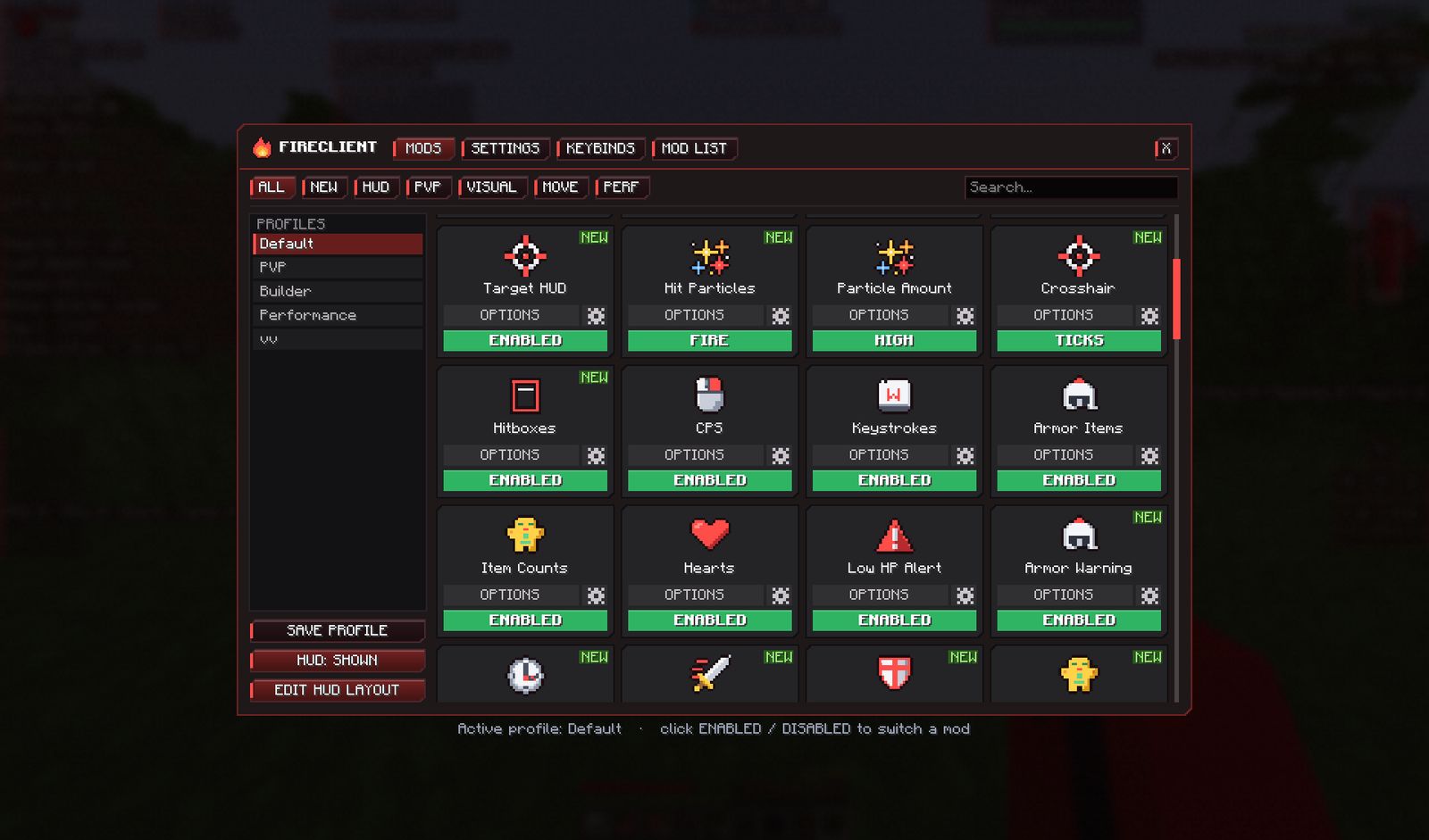
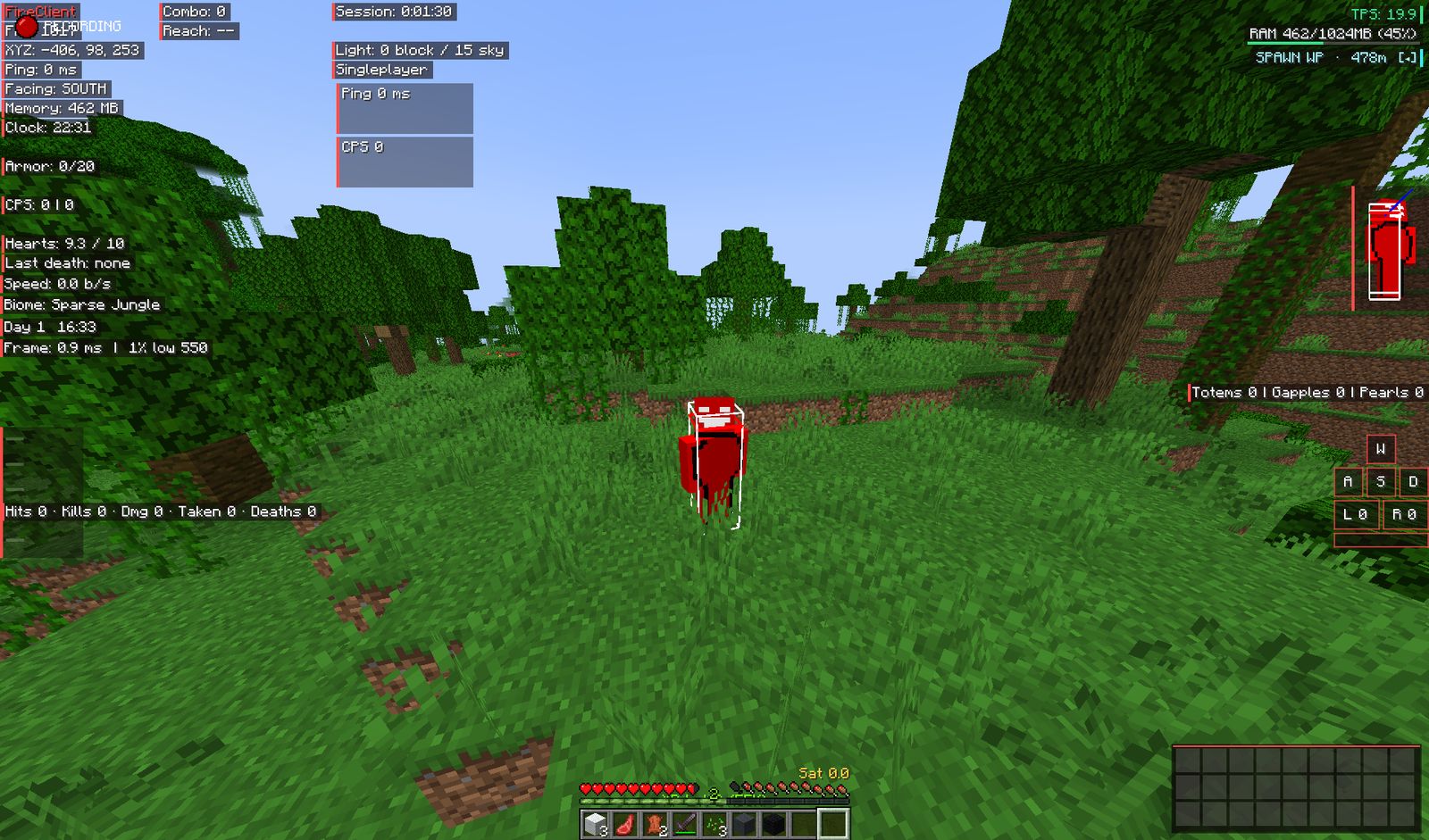
The title screen, the FireClient menu and the HUD in Minecraft 1.21.1 on Fabric.
Title screenThe FireClient title screen in Minecraft 1.21.1: your signed-in profile, a FireClient Menu button, a news card and a bottom row of buttons including Menu, Mods, Discord and Quit.In-game FireClient menuTabs for Mods, Settings, Keybinds and Mod List. Filter modules by All, New, HUD, PvP, Visual, Move or Perf, switch each one on or off, keep profiles such as Default, PvP, Builder and Performance, and use Edit HUD Layout to move elements.HUD in a worldHUD elements on screen in a singleplayer world: coordinates, ping, facing direction, memory use, clock, armor, CPS, hearts, speed, biome, a session timer, TPS and WASD keystrokes.
Launcher
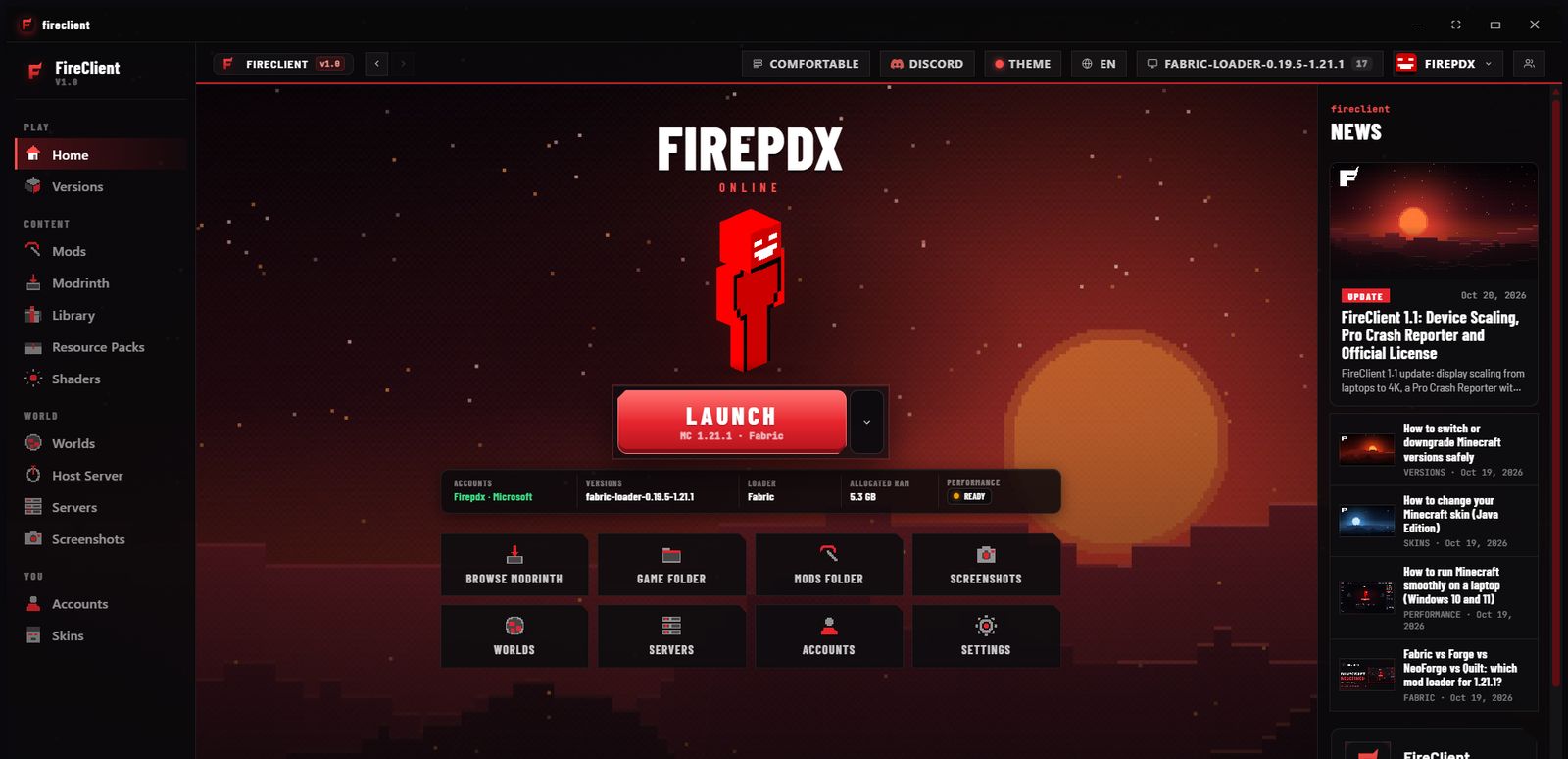
The Windows launcher: mods, versions, worlds, accounts and more.
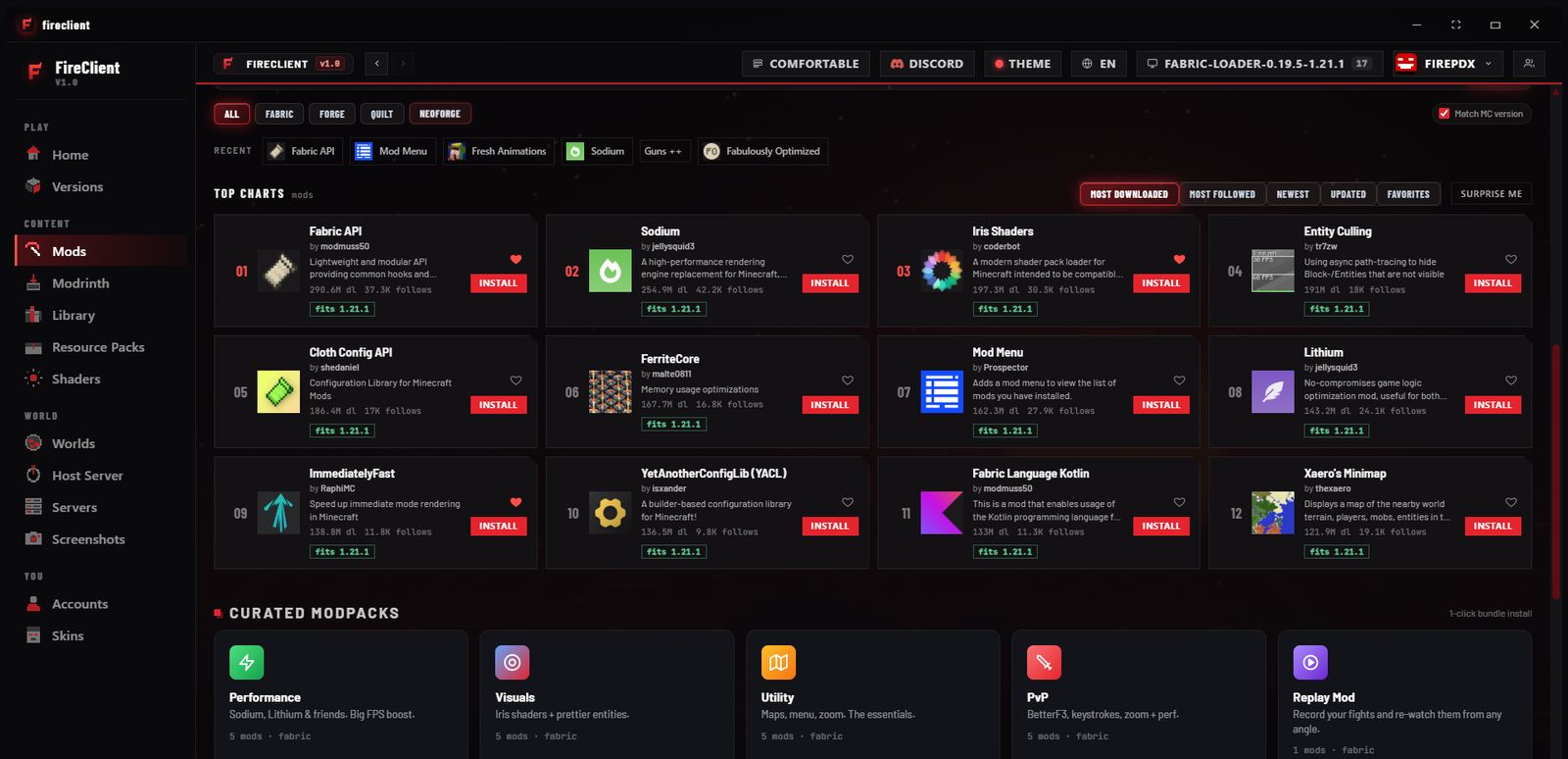
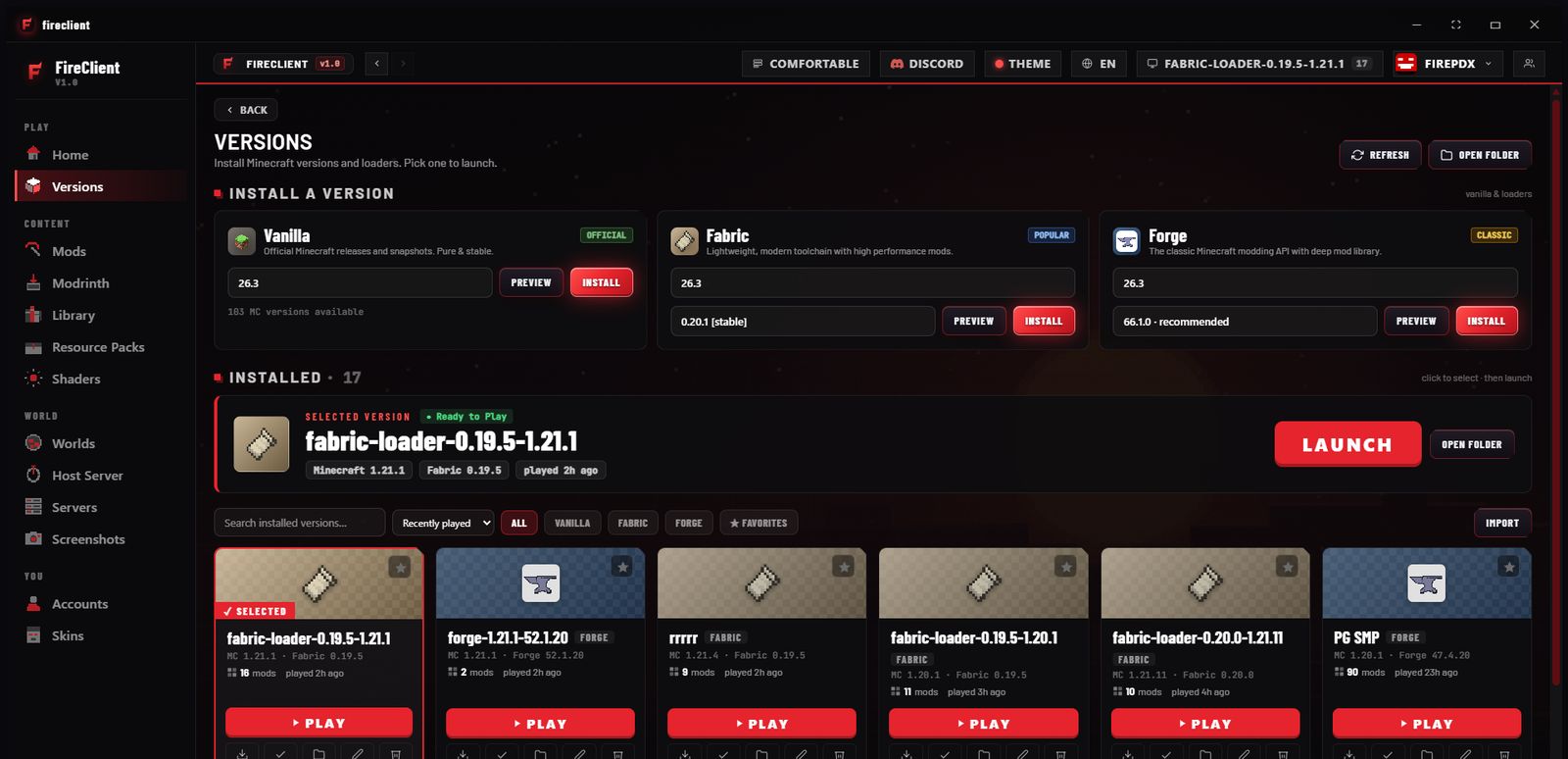
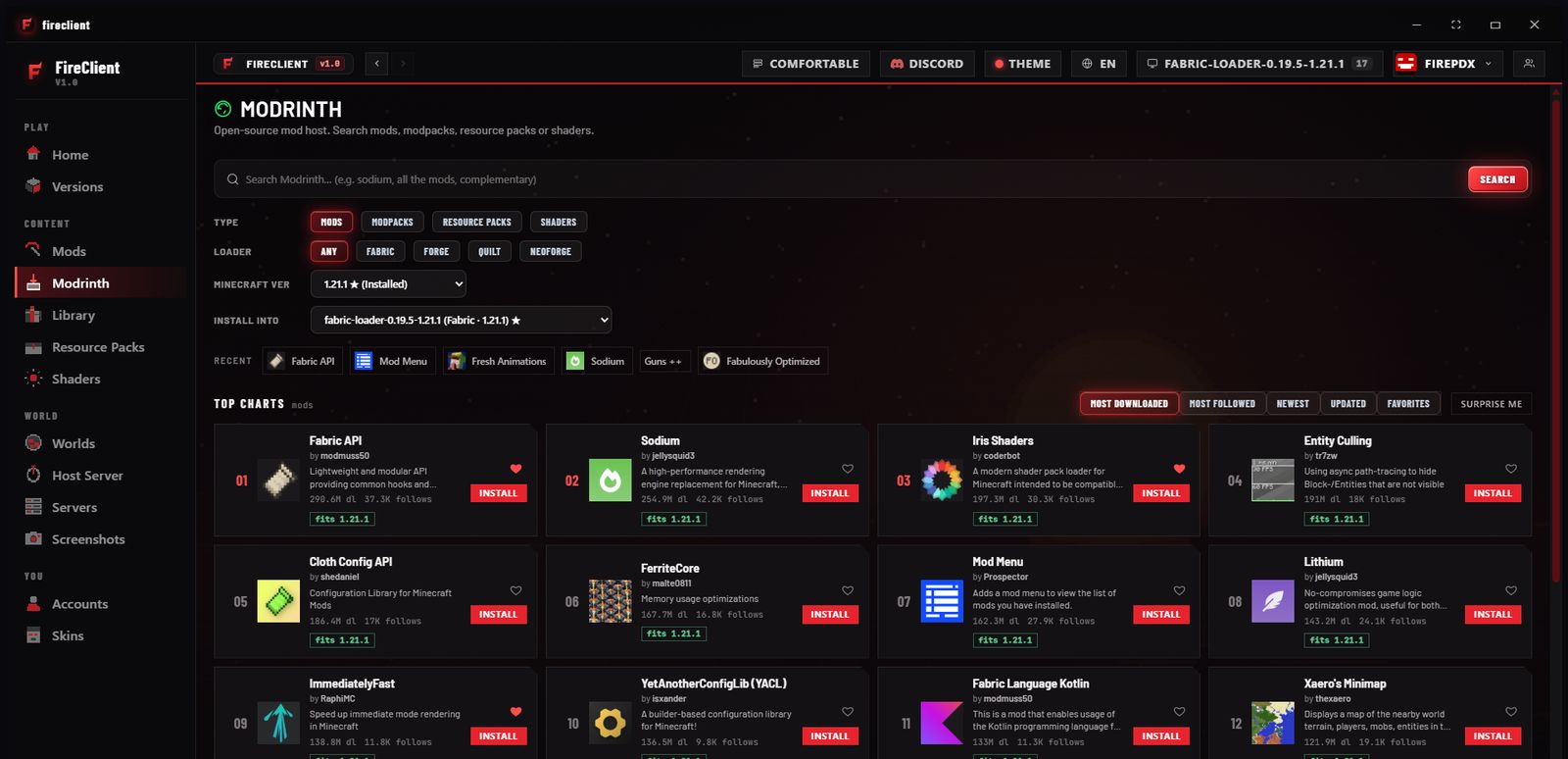
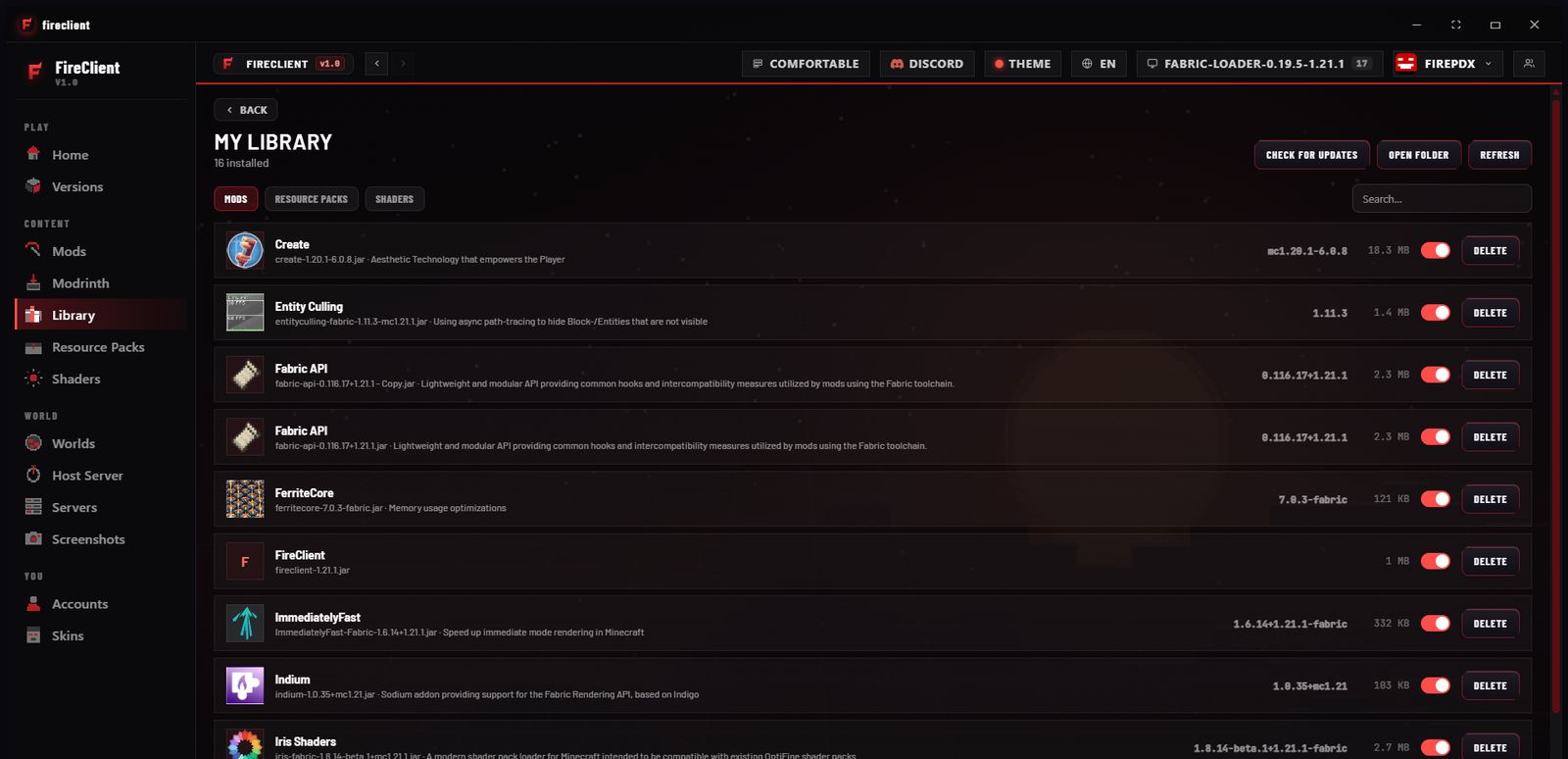
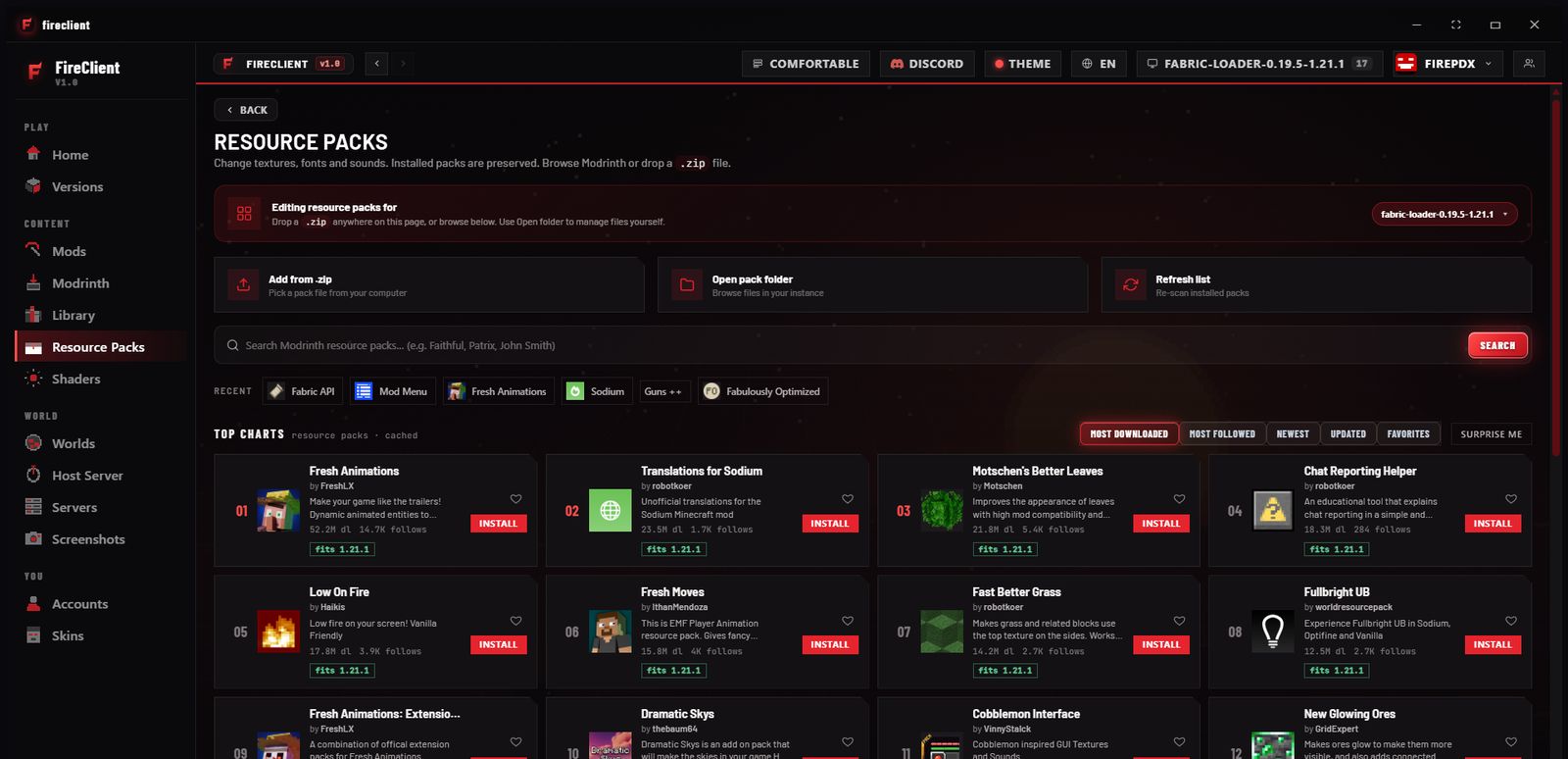
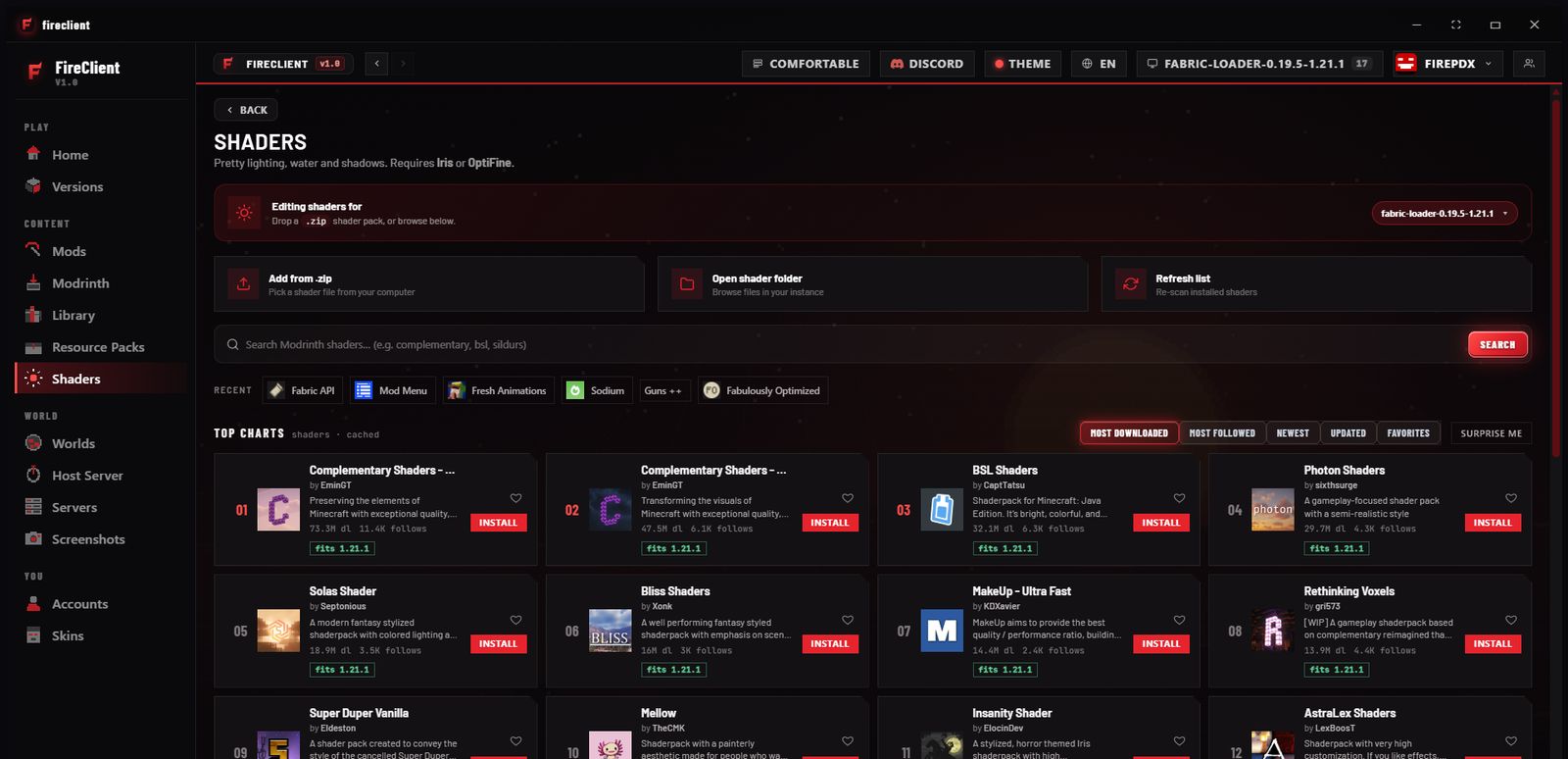
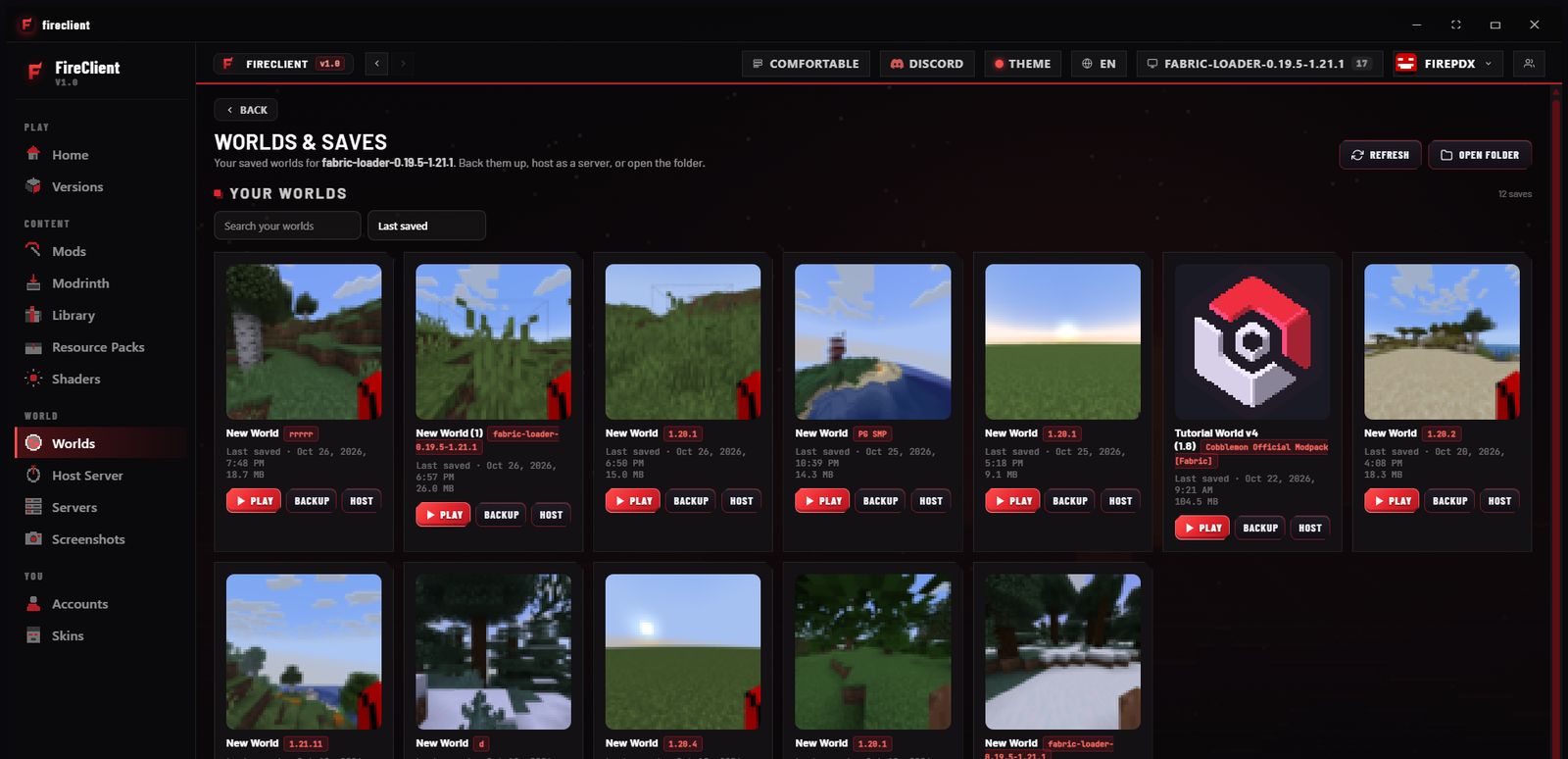
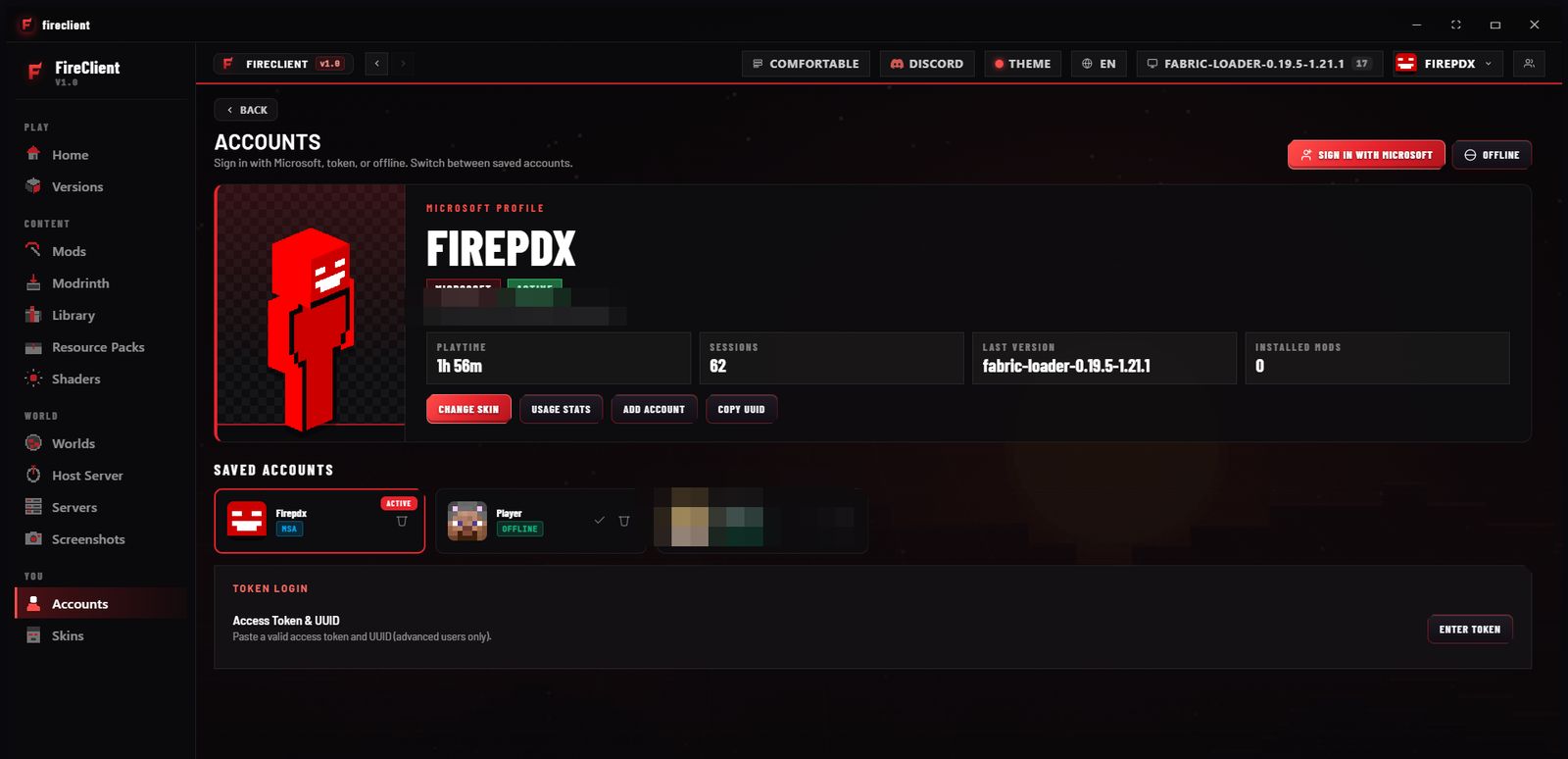
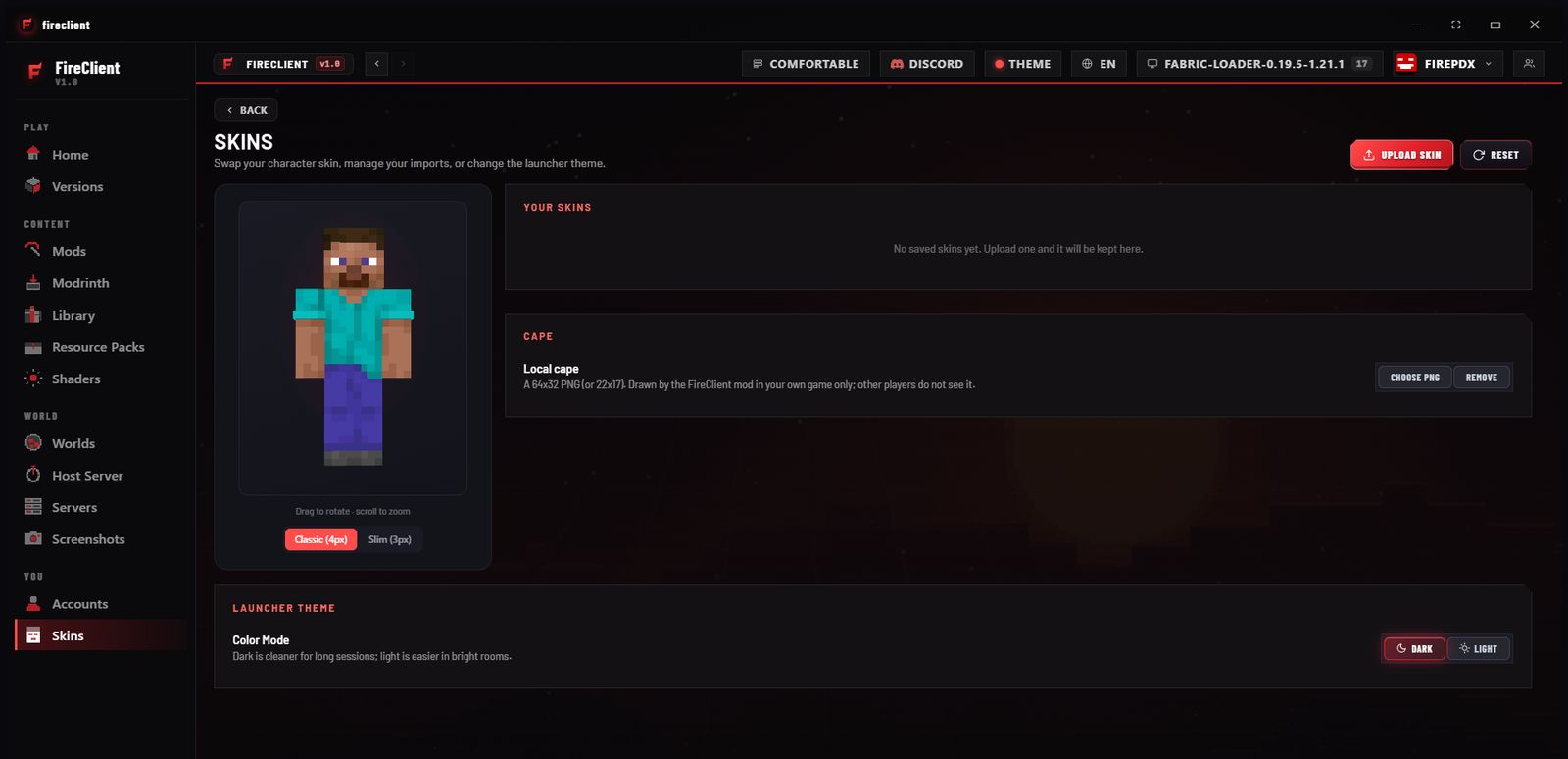
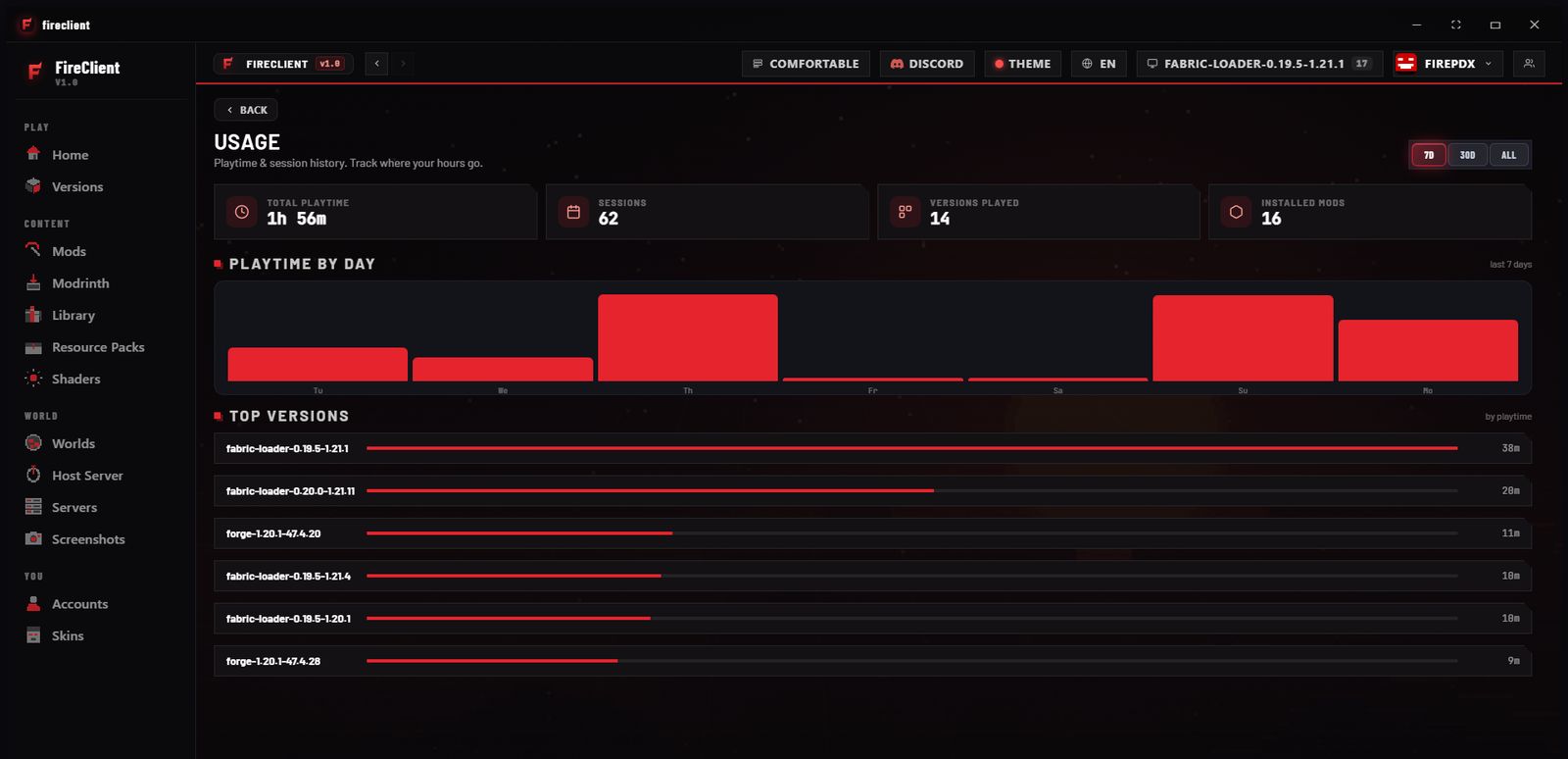
Launcher homeA Launch button, your account and version, quick buttons and a news feed. The sidebar groups Play, Content, World, You and System pages.ModsBrowse top Modrinth mods with install buttons and filters, plus curated packs such as Performance, Visuals, Utility and PvP.VersionsInstall a version with Vanilla, Fabric or Forge, then launch any version you have installed.ModrinthSearch and filter Modrinth projects and install them from inside the launcher.My LibraryThe mods you have installed, each with an on/off switch and a delete button.Resource packsBrowse popular resource packs and manage the ones you use.ShadersBrowse popular shader packs from the launcher.Worlds and savesYour worlds with preview images, plus a place for backups.AccountsSign in with Microsoft, use a token or an offline profile, and switch between saved accounts. Personal details in this screenshot are blurred.SkinsPreview your skin and manage local skins.UsageTotal playtime, sessions, versions played and a playtime-by-day chart.