FireClient 1.1: Device Scaling, Pro Crash Reporter and License Page
Adaptive screen scaling from compact laptops to 4K monitors, a built-in Pro Crash Reporter with 1-click auto-fix, Potato PC booster, and a published license and safety facts page.

FireClient 1.1 is now available. This update focuses on stability, universal screen resolution support, seamless offline gameplay, and a published license and safety facts page.
What is new in FireClient 1.1#
1. Universal Screen Scaling & Device Support#
Whether you are playing on a 1366x768 / 1280x720 laptop screen, a 1080p desktop, or a 4K high-DPI gaming display, FireClient 1.1 automatically scales its interface:
- Dynamic Per-Monitor V2 DPI awareness prevents blurry text and oversized windows.
- Adaptive layout constraints ensure buttons, version pickers, and sidebar navigation never clip or overflow on small displays.
- High-resolution asset rendering for sharp visuals on 1440p and 4K displays.
2. Pro Crash Reporter & 1-Click Auto-Fix#
When Minecraft or a mod encounters an error, FireClient now presents a dedicated Crash Dialog instead of an unexpected exit:
- Automatic root cause diagnostics parsing crash reports and logs.
- Identifies mismatched mod builds, outdated OpenGL drivers, or insufficient memory.
- 1-Click Auto-Fix & Restart: Quarantines conflicting mods and applies safe graphics defaults to get you back in game immediately.
- Real-time hardware summary showing active CPU, GPU, and system RAM.
3. Potato PC & Hardware Optimizer#
Integrated performance optimizations for Intel HD/UHD and AMD Radeon processors:
- Fast graphics profiles and optimized render distances for budget laptops.
- Smart JVM garbage collection flags (-XX:+UseG1GC) for stutter-free gameplay.
- Tailored OpenGL workarounds for legacy integrated graphics chips.
4. Offline Mode Without WiFi#
FireClient now fully supports launching guest and offline profiles without an internet connection. Play offline anywhere with zero network timeouts.
5. License and safety facts#
We have published a plain-language license and safety facts page. It makes no guarantees and does not claim an independent audit:
- The installer is still unsigned, so Windows may warn about it. Check the SHA-256 on the download page when one is shown.
- Microsoft sign-in tokens are stored encrypted with Windows DPAPI under your Windows user account, according to the maintainers.
- The maintainers state that FireClient does not send your tokens or passwords to any FireClient server.
Getting the update#
Existing users can download the update from the Download page or GitHub Releases. Read the license and safety facts or join our Discord for help.
Keep reading
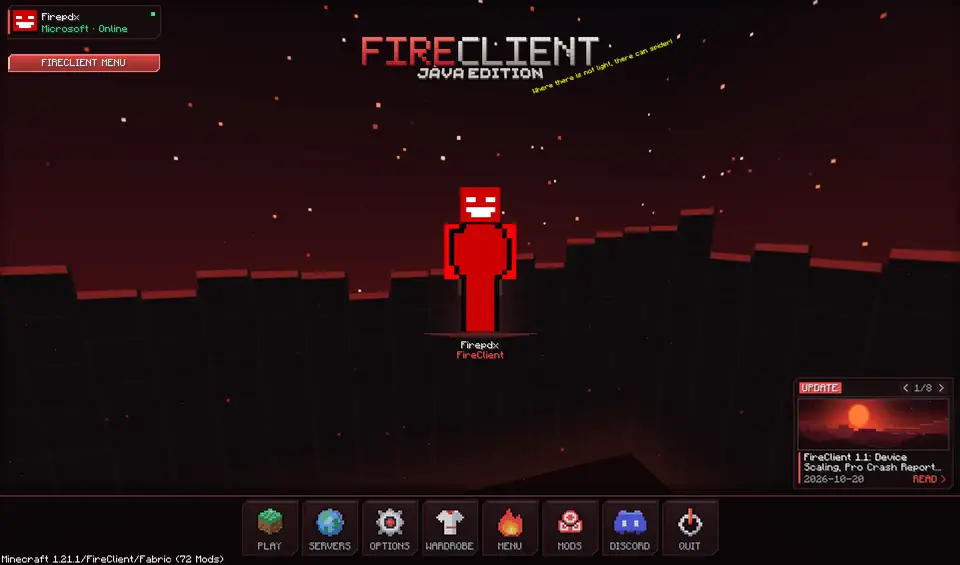
FireClient early access is live, full version planned for November 2026
Early access is open for Windows. Here is what works today, what is still planned, and what we know about the full version.FireClient 1.0 is available as a free Windows beta
The launcher and the Fabric in-game client for Minecraft 1.21.1 are free to download for Windows 10 and 11.